Kling goes native 4K: what the new mode changes
Kuaishou's generator now outputs 4K shots without an upscaling step. We ran our ten benchmark prompts: here's what you gain, and what it costs.
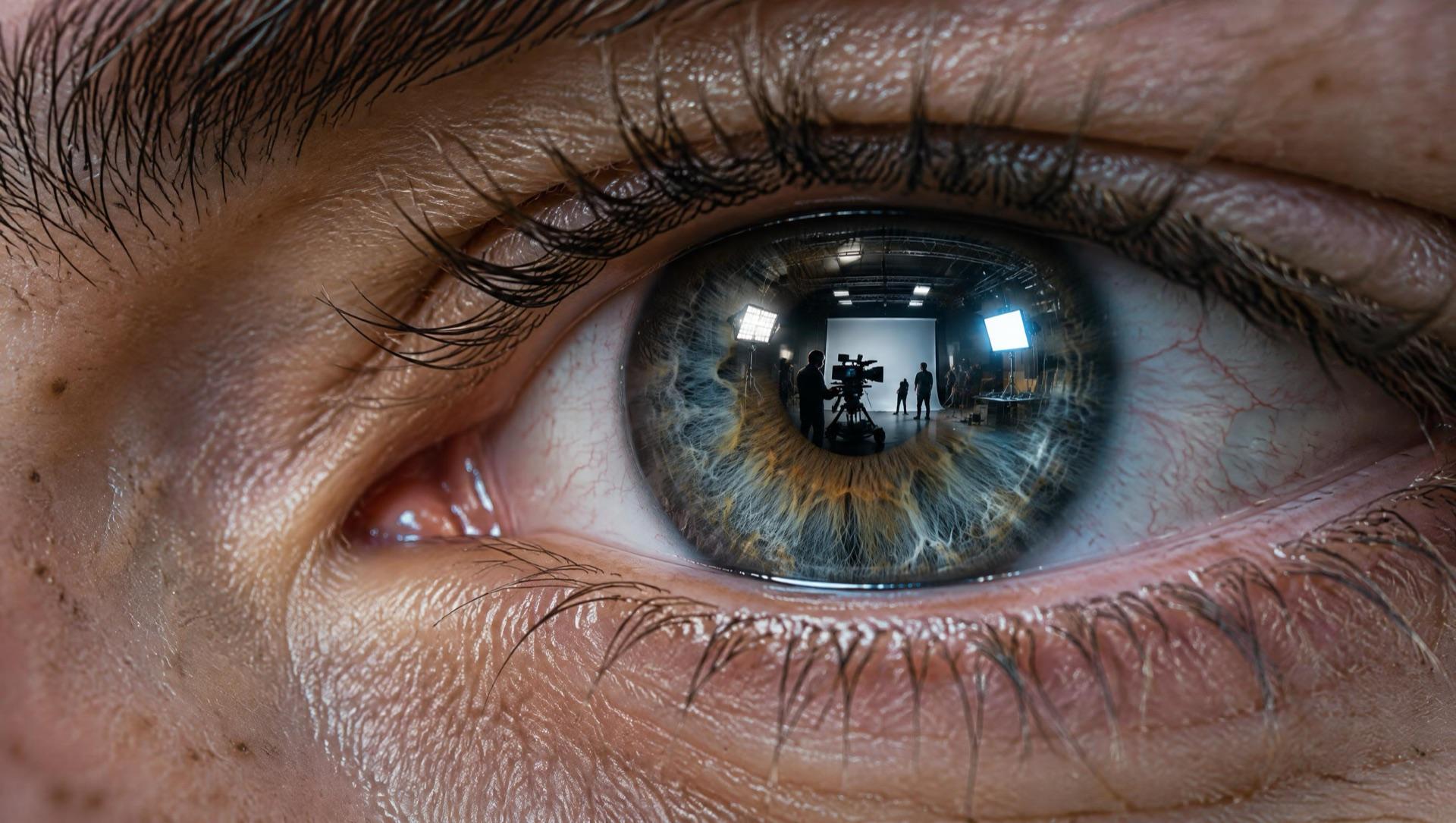
Sample article. The facts, figures and quotes below are made up: they only show the layout before launch.
Until now, getting a 4K shot out of a video generator meant generating in 1080p, then upscaling the image with a second tool. Kling cuts out that step: its new mode outputs 4K shots directly.
What changes on screen
We reran our ten benchmark prompts at both resolutions. On a phone, the difference doesn't jump out. It becomes obvious on a big screen, and especially in materials: skin pores, the weave of a fabric, the leaves of a tree in the background.
Motion, meanwhile, stays put. A shot that warped a hand in 1080p warps it in 4K too: resolution doesn't fix the model's mistakes.
What it costs
| 1080p | Native 4K | |
|---|---|---|
| Generation time (5-second shot) | 1 min 40 s | 4 min 50 s |
| Credits used | 35 | 100 |
| File size | 12 MB | 61 MB |
Three times the credits and three times the wait: native 4K only makes sense for the shots that make your final cut.
Our advice: find the right shot in 1080p, then rerun it in 4K once it's approved.
Who is it for?
The mode is aimed first at advertising and music videos, where files go on to color grading. For content headed to social media, 1080p is still more than enough.
Sources
This article was prepared with the help of AI, then checked and approved by Victor Lignel. How we use AI