Image-to-video: why starting from an image changes everything
Professionals rarely generate video from text alone. They make the image first, then set it in motion. Here's why, and how to do it.
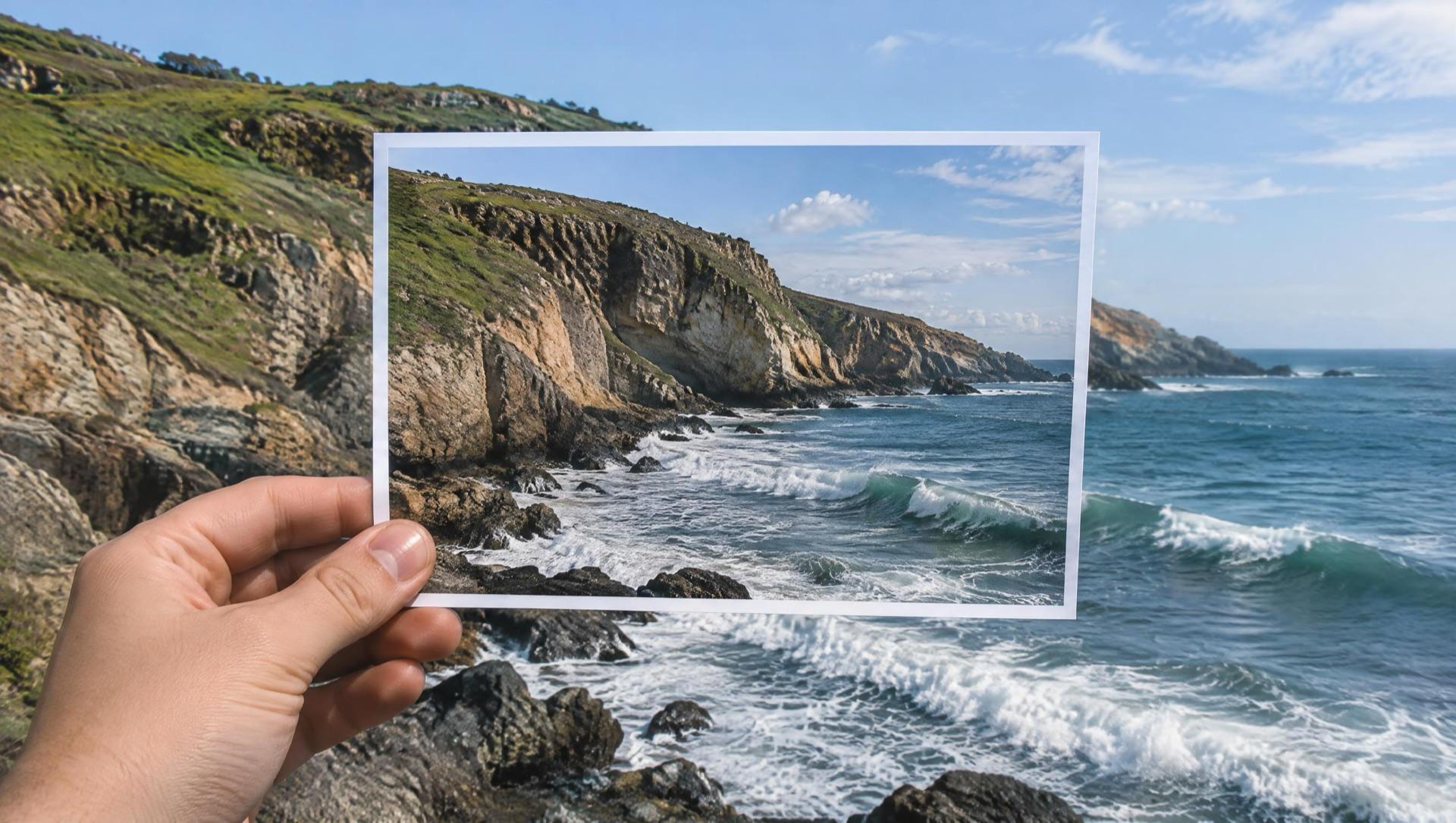
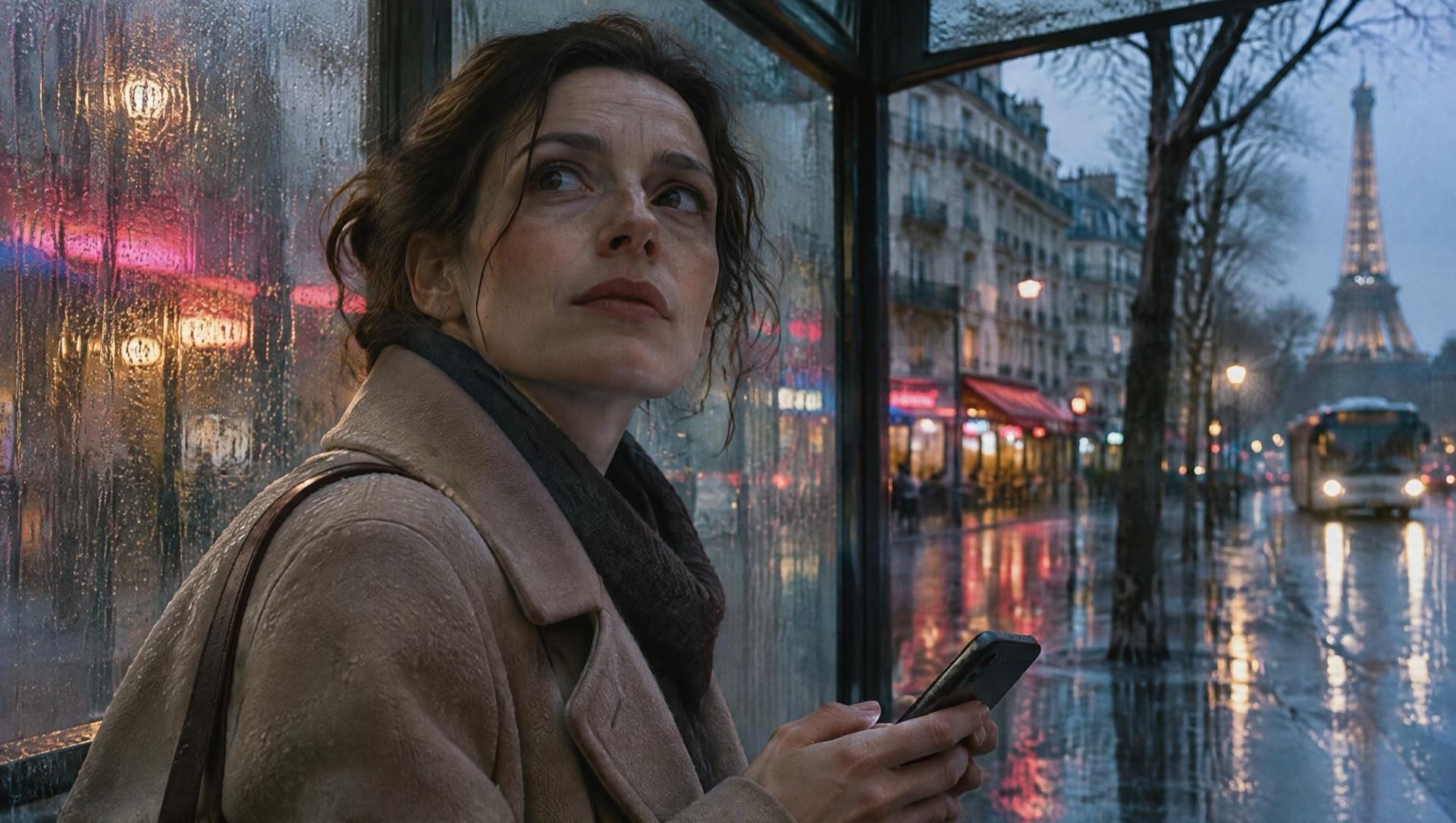
With text alone, the model decides everything: the face, the set, the lighting, the framing. With a starting image, there's only one thing left for it to invent: the motion.
What you gain
- Control. The image locks in the framing, the colors, and the character's look. What you approve is what you'll get in the video.
- Budget. Generating ten images to pick one costs a fraction of the price of a single video.
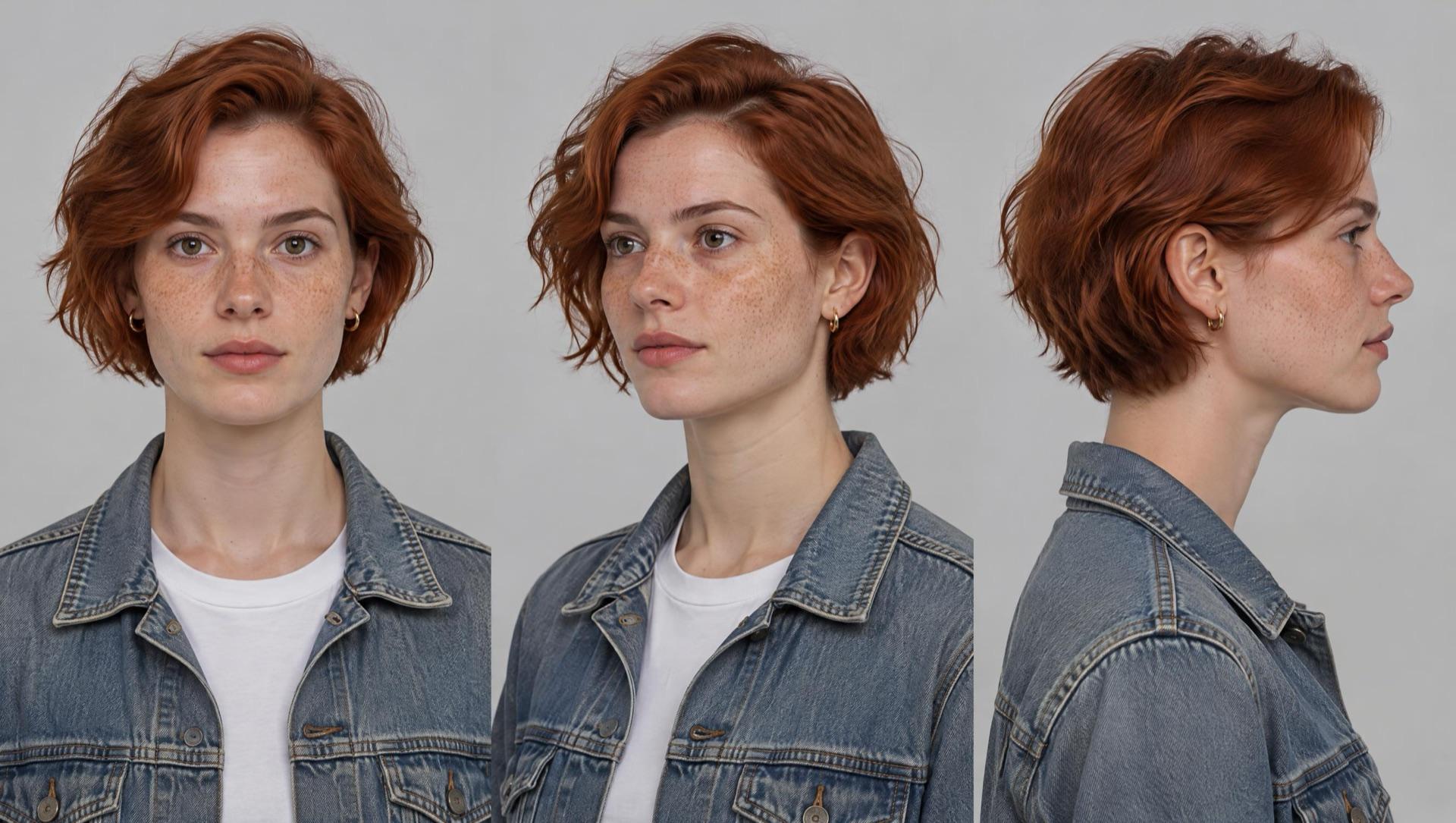
- Consistency. If you create all your starting images in the same style, your shots cut together better in the edit.
The three-step method
- Create the image. Use an image generator, or start from a photo. Give it the care you'd give the first frame of your shot, because that's exactly what it will be.
- Describe the motion. The prompt takes on a different job. There's no need to describe what's already visible: say what moves, and how the camera moves.
- Generate short. Start with five seconds. If the motion works, go longer.
A motion prompt
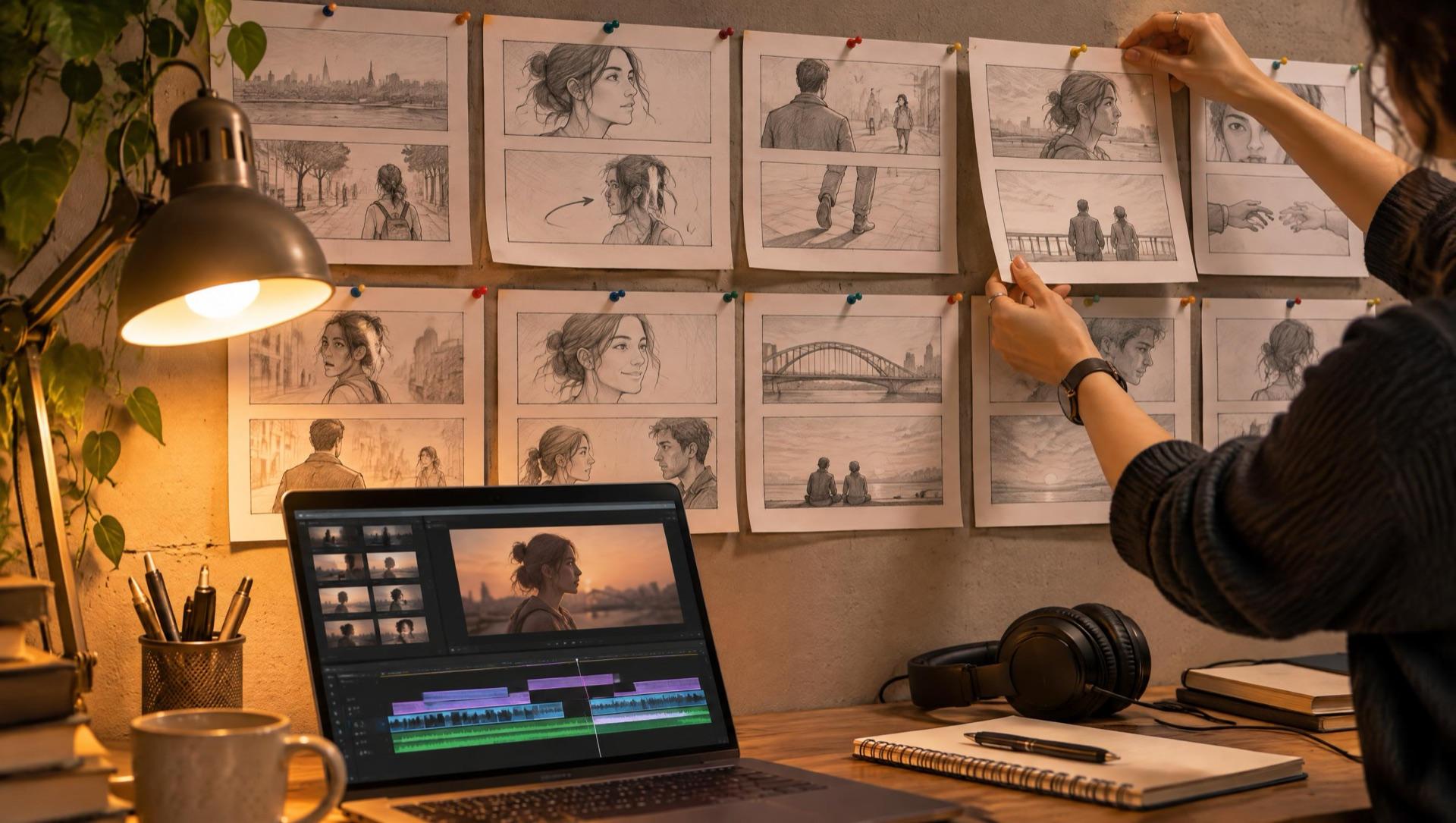
She slowly turns her head toward the camera and smiles.
Her hair moves slightly in the wind.
Slow dolly in. The background stays still.
Three sentences are enough. Everything else is in the image.
Common mistakes
- Asking for too much action. One gesture per shot. If the character has to stand up, walk, and open a door, make it three shots.
- Contradicting the image. If the image shows a sunny day, don't write "in the rain": the model will waver between the two.
- Starting from a cluttered image. The more elements there are, the more things can warp. Simplify the frame.
This article was prepared with the help of AI, then checked and approved by Victor Lignel. How we use AI